Infoblox DNS, DHCP and IPAM labs
12 guided labs on a real Infoblox NIOS appliance that boots licensed and addressed, so you go straight into Grid Manager. You build zones, records and reverse zones, DHCP networks with options and fixed addresses, IPAM networks with next-available addressing, split DNS views, a two-member grid with DHCP failover and a DNS firewall, and prove each one from Linux clients with dig and dhclient.
Before you choose
- How you work
- GUI-ledYou work in each device’s web interface. To reach the interface, use the desktop inside the lab (
ADMIN-PC). - Follows
- Infoblox NIOS DDI administration, on NIOS 8.5.2. Not tied to an examThe labs run Infoblox NIOS 8.5.2 as a virtual IB-V825 appliance with a 60-day temporary licence created at first boot. Current NIOS releases are 9.x: the Grid Manager menus used here are the same in most places, and each lab says where to look if a menu has moved.
- Published
- 27 November 2026Labs start already set up, with nothing to paste before the first task.
- Devices
- EVE-NG GUI server and NIOS
Who these labs are for
For network and systems engineers who look after DNS, DHCP and IP address management, or are about to take over an Infoblox grid, and anyone preparing for a DDI administrator role.
Each task is done in Grid Manager, with the same change in Infoblox’s REST API (WAPI) in an optional Automate it box. The course ends with two ticket-style troubleshooting labs and a capstone.
The 12 labs
Every lab in the folder, as the workspace lists them, with how long each takes to be ready, the smallest plan that runs it and whether it fits the free demo. Read on 27 November 2026.
Infoblox DDI course 12 labs
Shared folderInfoblox DDI guided labs
DNS first, then DHCP and IPAM, then views, a second grid member and a DNS firewall, with two ticket labs and a capstone at the end.
-
01
First sign-in and your first zone
Sign in to Grid Manager on a freshly licensed Infoblox appliance, give the grid member its proper name, start DNS and publish a first zone with one record, then watch a Linux desktop resolve it.
1× NIOS, 1× EVE-NG GUI server
- Level and time
- Beginnerabout 30 min of tasks
- Ready in
- About 22 min
- Smallest plan
- Lite2 vCPU, 3,584 MB
- Free demo
- Notoo slow to start
-
02
Forward zones and the record types you need
Fill Fenwick Freight's zone with the records a real company runs on: A and AAAA, an alias, mail, an SPF policy, a directory SRV record and Infoblox host records, then read each answer with dig.
1× NIOS, 1× EVE-NG GUI server
- Level and time
- Beginnerabout 45 min of tasks
- Ready in
- About 24 min
- Smallest plan
- Lite2 vCPU, 3,584 MB
- Free demo
- Notoo slow to start
-
03
Reverse zones and PTR records
Give the server LAN its IPv4 and IPv6 reverse zones, watch the host records gain their PTRs on their own, and add PTRs by hand for the names that are plain A and AAAA records.
1× NIOS, 1× EVE-NG GUI server
- Level and time
- Beginnerabout 40 min of tasks
- Ready in
- About 29 min
- Smallest plan
- Lite2 vCPU, 3,584 MB
- Free demo
- Notoo slow to start
-
04
DHCP networks with ranges and options
Start DHCP on the appliance, build the server LAN's DHCP network with its gateway, DNS and domain options, add an address range, and watch a Linux laptop get its lease and the appliance record it.
1× NIOS, 2× EVE-NG GUI server
- Level and time
- Beginnerabout 45 min of tasks
- Ready in
- About 22 min
- Smallest plan
- Lite3 vCPU, 4,096 MB
- Free demo
- Notoo slow to start
-
05
Fixed addresses and reservations
Give the warehouse printer one host record that covers its DNS name, its PTR and its DHCP fixed address, pin a laptop to an address by MAC, hold an address back with a reservation and keep part of the range out of the pool.
1× NIOS, 3× EVE-NG GUI server
- Level and time
- Intermediateabout 45 min of tasks
- Ready in
- About 26 min
- Smallest plan
- Lite4 vCPU, 4,608 MB
- Free demo
- Notoo slow to start
-
06
IPAM with next-available addressing
Plan the depot networks the way a DDI team does: a container for the address block, networks carved out by next-available, a Site attribute on each, and devices given the next free address by Infoblox instead of a spreadsheet.
1× NIOS, 1× EVE-NG GUI server
- Level and time
- Intermediateabout 45 min of tasks
- Ready in
- About 30 min
- Smallest plan
- Lite2 vCPU, 3,584 MB
- Free demo
- Notoo slow to start
-
07
DNS views for split DNS
Answer the same name two ways: staff on the office LAN get the internal address of www and can see the intranet, while guest Wi-Fi and the outside world get the public address and never learn the internal names.
1× NIOS, 2× EVE-NG GUI server
- Level and time
- Intermediateabout 45 min of tasks
- Ready in
- About 25 min
- Smallest plan
- Lite3 vCPU, 4,096 MB
- Free demo
- Notoo slow to start
-
08
A second grid member and DHCP failover
Join a second appliance to the grid, start DHCP on it, pair it with the first in a failover association and move the laptop range onto the pair, so laptops keep getting addresses when one appliance fails.
2× NIOS, 2× EVE-NG GUI server
- Level and time
- Advancedabout 60 min of tasks
- Ready in
- About 29 min
- Smallest plan
- Lite4 vCPU, 6,144 MB
- Free demo
- Notoo slow to start
-
09
A DNS firewall with response policy zones
Turn ns1 into a DNS firewall: allow recursion for the office, create a local response policy zone, and add rules that make a scam domain vanish and send a parcel-phishing site to a warning page your browser can see.
1× NIOS, 1× EVE-NG GUI server
- Level and time
- Intermediateabout 45 min of tasks
- Ready in
- About 28 min
- Smallest plan
- Lite2 vCPU, 3,584 MB
- Free demo
- Notoo slow to start
-
10
DNS troubleshooting tickets
Work three DNS tickets on a grid that was changed in a hurry over the weekend: read the symptom, find the evidence with dig and Grid Manager, fix the cause and prove the fix.
1× NIOS, 1× EVE-NG GUI server
- Level and time
- Intermediateabout 45 min of tasks
- Ready in
- About 26 min
- Smallest plan
- Lite2 vCPU, 3,584 MB
- Free demo
- Notoo slow to start
-
11
DHCP troubleshooting tickets
Work three DHCP tickets from the Leeds office after the scope migration: laptops with no address, laptops with an address that can't resolve names, and a printer that moves every morning.
1× NIOS, 3× EVE-NG GUI server
- Level and time
- Intermediateabout 45 min of tasks
- Ready in
- About 32 min
- Smallest plan
- Lite4 vCPU, 4,608 MB
- Free demo
- Notoo slow to start
-
12
Capstone - DDI for a new depot
The new Selby depot's appliance arrives with only its address and licence. From a requirements sheet and no step-by-step instructions, build its DNS, DHCP and IPAM so the depot's laptop, printer and warehouse server all work on day one.
1× NIOS, 3× EVE-NG GUI server
- Level and time
- Advancedabout 90 min of tasks
- Ready in
- About 28 min
- Smallest plan
- Lite4 vCPU, 4,608 MB
- Free demo
- Notoo slow to start
Devices and images
The exact Add Node images the labs use, and the vCPU and RAM their nodes are set to. Your plan counts what each running node is set to.
| Device | Image in Add Node | Set to | Labs | Nodes |
|---|---|---|---|---|
| EVE-NG GUI server (Docker) | eve-gui-server:latest | 1 vCPU, 1,536 MB; 1 vCPU, 512 MB | 12 | 21 |
| Infoblox NIOS (DNS, DHCP and IPAM) | infoblox-ddi-8.5.2 | 1 vCPU, 2,048 MB | 12 | 13 |
How to open the labs
Sign in to your workspace at
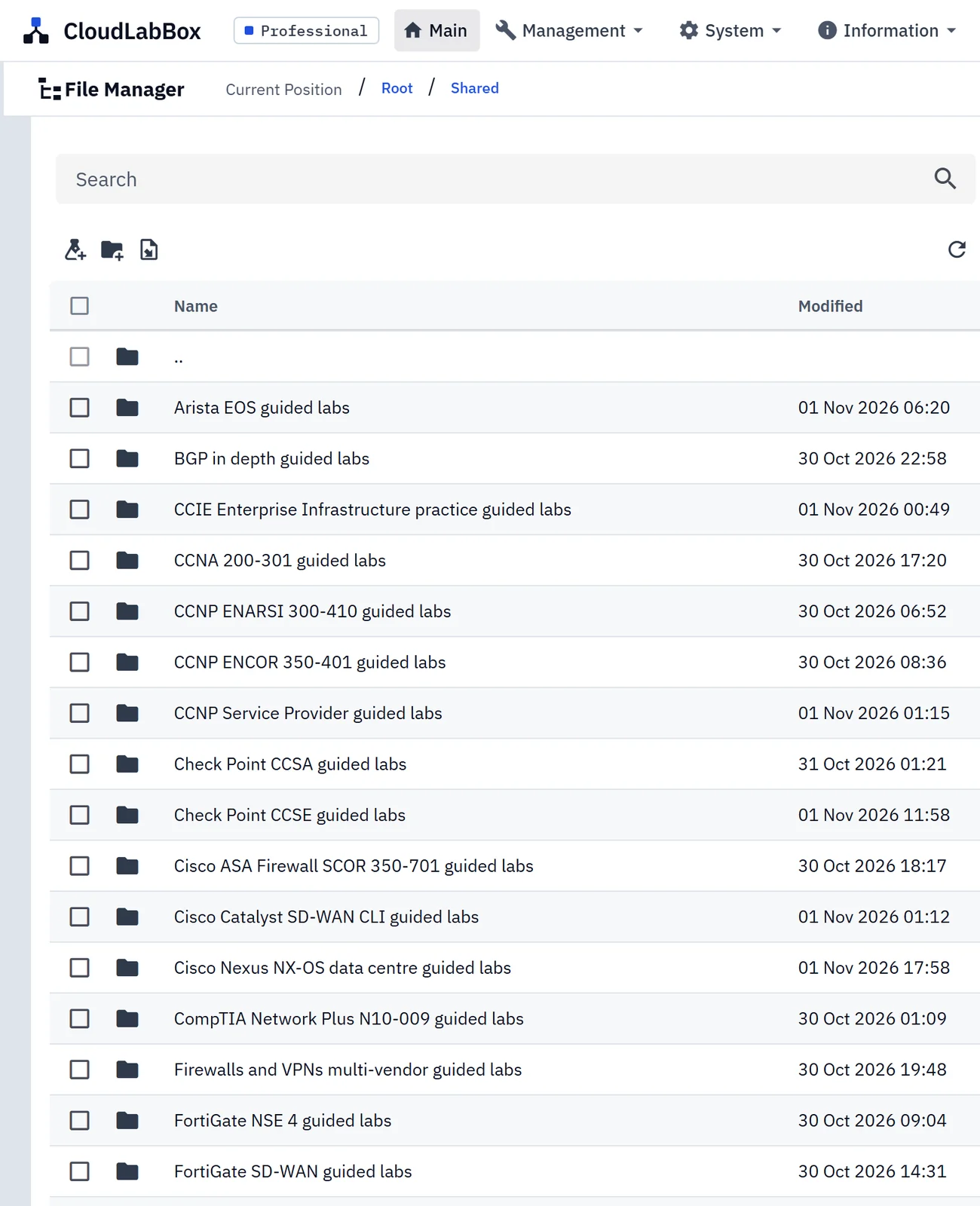
lab.cloudlabbox.com.In File Manager, open Shared, then the folder
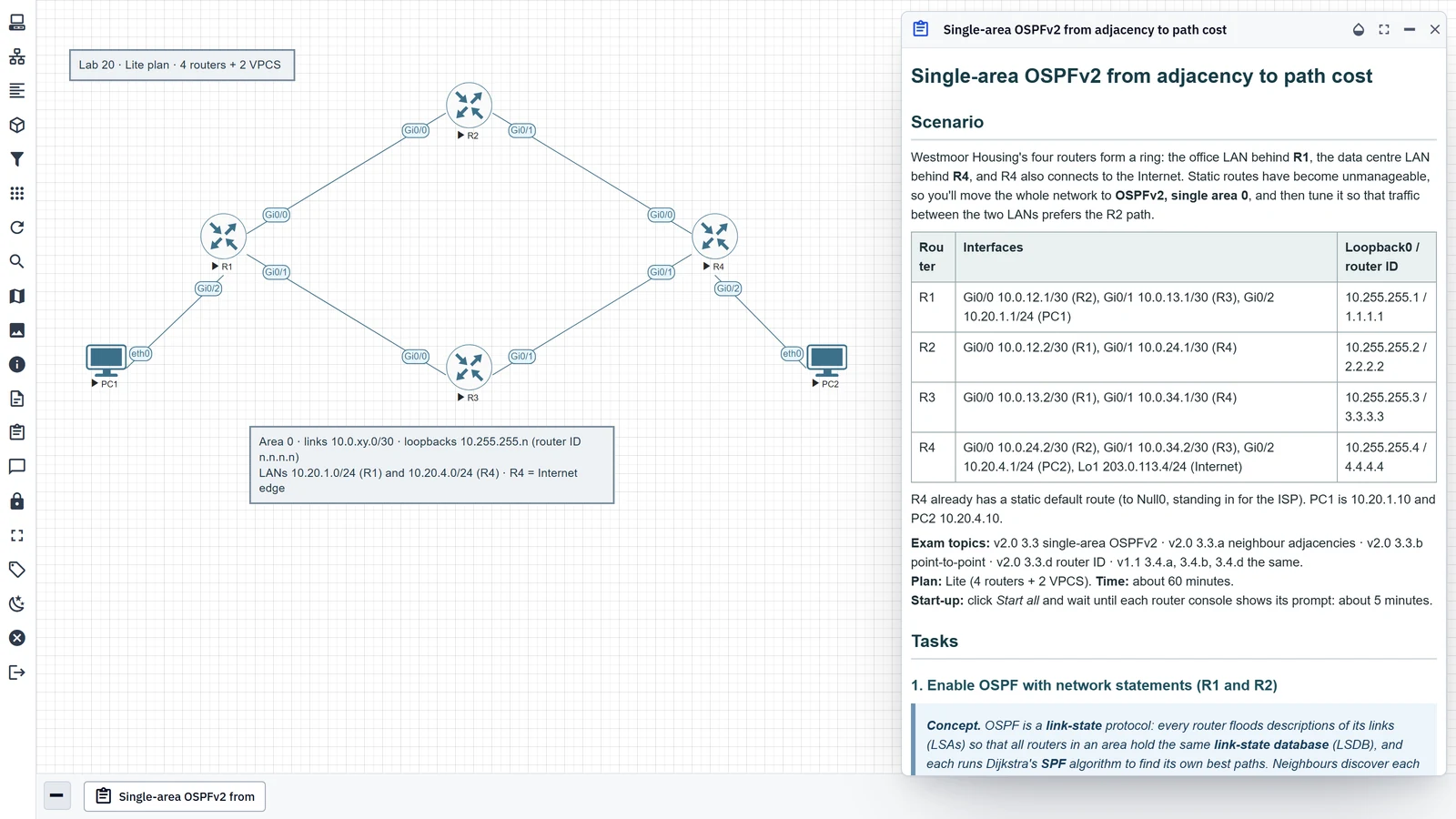
Infoblox DDI guided labs.Open a lab and start its nodes, then open Lab Tasks for the steps.
The labs are read-only. You can start the nodes and configure the devices, but changes to the topology can’t be saved. To change a lab, rebuild it in your own folder.
Questions about the Infoblox DDI labs
Are these Infoblox DDI labs free?
They’re included with every lab plan, with nothing extra to pay, rather than free. Plans start at £3 a day or £0.50 an hour. To try one first, the free demo gives you 30 minutes with 6 vCPU and 8 GB, which doesn’t suit these labs, so use it to look around the workspace.
Which plan do I need for these labs?
Lite, with 6 vCPU and 8 GB, runs every lab here. EVE-NG admits a node by the vCPU and RAM configured on it, so a lab needs the total its running nodes are set to. The biggest here, “A second grid member and DHCP failover”, needs 4 vCPU and 6,144 MB. Each lab’s Lab Tasks pane names the plan it needs.
How long do these labs take to start?
They are ready 22 to 32 minutes after you start them, and most take about 28. That is the time from starting a lab’s nodes to the point where the first task can begin. We measured it in our own test runs, with many other labs running on the platform at the same time, so yours is often quicker. Each lab in the list above has its own time.
Can I run these labs in the free demo?
Not these. The demo is a real workspace with 6 vCPU and 8 GB for 30 minutes, and a lab fits it when its nodes fit in 6 vCPU and 8 GB together, and it is ready within about 10 minutes of starting. Use it to look around the workspace, then run these labs on Lite.
Can I change these labs?
You can start the nodes and configure the devices, but the labs are read-only: changes to the topology can’t be saved. To change one, rebuild it in your own folder.
Are these labs from Infoblox?
No. CloudLabBox wrote them to follow the topics of DNS, DHCP and IPAM administration on Infoblox NIOS 8.5.2. Infoblox publishes no numbered exam blueprint for this material, so the course isn’t tied to an exam. They aren’t training material from Infoblox, and CloudLabBox is independent of Infoblox.
Do I need an Infoblox licence for these labs?
No. The appliance creates its own 60-day temporary licence when it first boots, and a wiped node starts a new one. CloudLabBox doesn’t provide vendor licences or subscriptions.
Which NIOS version do the labs run?
NIOS 8.5.2, as a virtual IB-V825 appliance. Current NIOS releases are 9.x. The Grid Manager menus used here are the same in most places, and each lab says where to look if a menu has moved.
Why does the appliance take so long to start?
NIOS sets itself up on its first boot: it creates its licence, takes its address and starts its services before Grid Manager answers. Each lab’s page gives its measured time, and its pane gives you reading to do meanwhile.
Look around the workspace before you choose
The free demo is a real workspace for 30 minutes, with 6 vCPU and 8 GB. These labs need more size or more time than that, so use it to look around. No card and no email.
More practice labs
- CCNA practice labs online
- CCNA troubleshooting ticket labs
- CompTIA Network+ practice labs
- CCNP ENCOR practice labs
- CCNP ENARSI practice labs
- CCNP Service Provider practice labs
- Cisco NX-OS data centre practice labs
- CCIE Enterprise Infrastructure practice labs
- Catalyst 9800 wireless configuration labs
- Network automation practice labs
- Network automation in practice: multi-vendor labs
- Cisco ASA firewall practice labs
- Packet analysis labs with Wireshark and tcpdump
- FortiGate practice labs
- FortiGate SD-WAN practice labs
- Cisco Catalyst SD-WAN CLI practice labs
- Palo Alto firewall practice labs
- Check Point CCSA practice labs
- Check Point CCSE practice labs
- Multi-vendor firewall and VPN practice labs
- NetScaler load balancing and ADC labs
- BGP practice labs across vendors
- Nokia SR OS NRS I practice labs
- MPLS and L3VPN practice labs
- VXLAN EVPN practice labs across vendors
- IPv6 practice labs across vendors
- Linux labs for network engineers
- Multi-vendor troubleshooting practice labs
- JNCIA-Junos practice labs
- JNCIS-ENT practice labs
- JNCIA-SEC and JNCIS-SEC practice labs
- JNCIS-SP JN0-364 practice labs
- JNCIP-ENT JN0-650 practice labs
- Arista EOS practice labs
- HPE Aruba Networking CX switching labs
- Huawei HCIA-Datacom practice labs
- HCIP-Datacom Core practice labs
- MikroTik MTCNA practice labs
- MikroTik MTCRE practice labs
- MikroTik MTCINE practice labs
- MikroTik MTCSE practice labs
- MikroTik MTCTCE practice labs
- MikroTik MTCIPv6E practice labs
- All practice labs
CloudLabBox is independent of Infoblox. The labs follow exam topics and aren’t vendor training material; vendor names identify the exams and the images in the workspace.