Lab plans
Your own hosted EVE-NG workspace, by the day or by the hour. Choose a size and how long you want it, pick a username and password, and the account is yours as soon as you've paid.
Choose a plan and create your account
After you pay
Your account is created as soon as Stripe confirms the payment, and you get an order email.
Sign in at
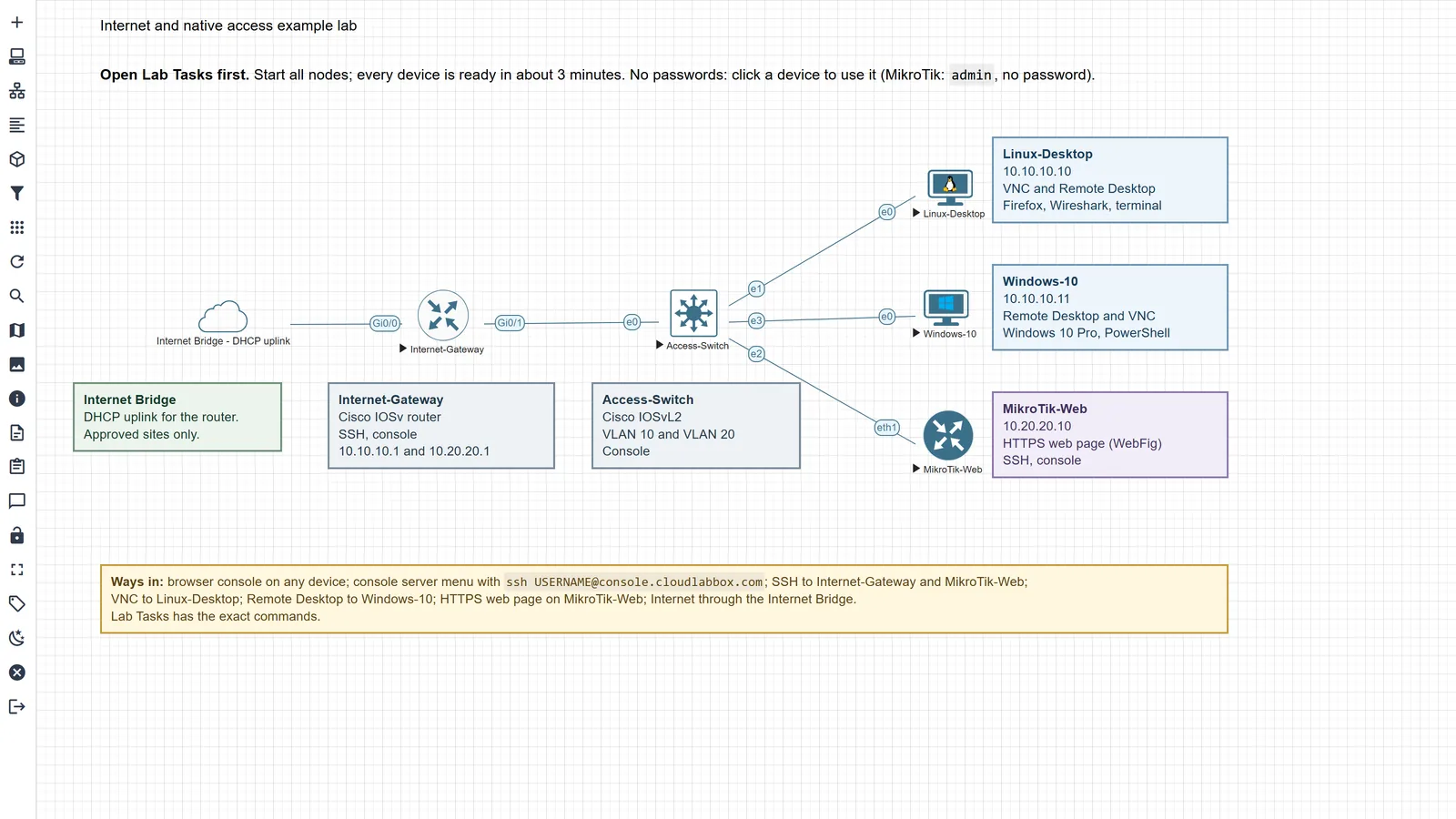
lab.cloudlabbox.comwith the username and password you chose here.Open My Labs. The example lab is waiting, with a Read this first task.
Good to know
How time is counted, and what you can change later.
How On-Demand time is counted
Credit is used only while you're signed in to the lab workspace or connected to a device from your own apps, counted every 30 seconds. A device you open from its right-click menu counts as active use the same way as the workspace, while its terminal, tunnel or Remote Desktop connection is open or its device page was used in the last minute; so does a console server sign-in. Any of these at once count as one session, and running nodes on their own use none.
A device connection or console server sign-in lasts up to 8 hours and counts as use, so close it when you stop. Unused hours never expire. When credit runs out, you're signed out and your labs are kept for 30 days.
When Fixed Term costs less
One Fixed Term day costs the same as 6 hours of On-Demand on Lite, 4 hours on Standard, 3 hours 45 minutes on Professional and 3 hours 20 minutes on Organization. If you'll work longer than that on most days, Fixed Term costs less, and the week, month and 90-day windows lower its daily rate further.
Monthly renewal
Paying once is the default. On the 1-month Fixed Term window you can choose to renew every 30 days instead: £40.00 on Lite, £67.50 on Standard, £100.00 on Professional and £135.00 on Organization, from the first payment.
It renews every 30 days at that price until you cancel. Cancel any time in Manage account: cancelling takes effect at the end of the 30 days you've paid for, your plan runs to that date, and you aren't charged again. Until then you can turn it back on.
Restarting on another plan or switching to On-Demand ends the old renewal straight away, so you never pay twice. If a renewal payment fails, Stripe tries again, and your plan ends on its end date as usual.
Changing plans, and when a plan ends
Manage account shows your time left, and lets you extend, change plan or restart. A Fixed Term extension costs the same as buying that length new: whole 90-day blocks, months and weeks at those prices above, and any other number of days at the daily price. Each change goes through Stripe Checkout, which shows the price before you pay.
When a plan ends, its labs are kept for up to 30 days, so you can extend and carry on. After that, the account and its labs are deleted.
If you forget your password
There's no self-service reset. Ask on Discord (opens in a new tab) or email cloudlabbox@gmail.com, and we'll help.