Try hosted EVE-NG free for 30 minutes
A real EVE-NG workspace with 6 vCPU and 8 GB RAM. No card and no email.
- Your own workspace at
lab.cloudlabbox.com - Several nodes at once: 467 of the guided labs fit
- Browser consoles, plus right-click access from your own apps
- Like it? Choose a plan and keep the same lab
Create your free demo
Checking free demo seats…
A good first 30 minutes
Sign in at
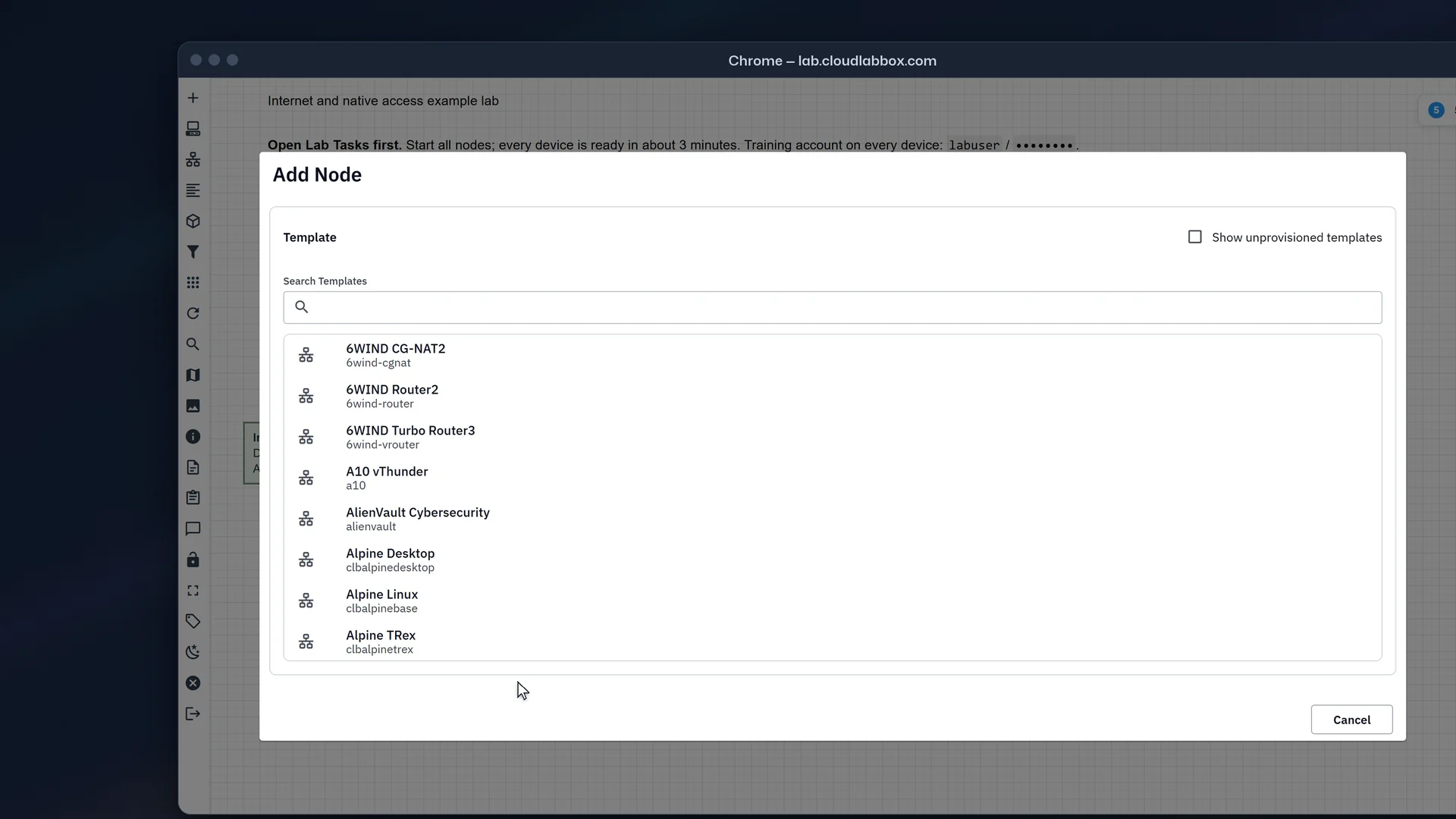
lab.cloudlabbox.comwith the username and password you chose.Open the example lab in My Labs, a guided lab from the Shared folder, or add a node from the image you want to check. Find it first in the image catalogue.
Start the nodes and open their consoles in the browser.
Optional: right-click a running node and choose Terminal (console) to open the same console in your own terminal.
Try a guided lab
467 of the 684 guided labs in the Shared folder fit the demo's 6 vCPU and 8 GB, each with its scenario, tasks, checks and full solution.

When the 30 minutes end
Your demo and its labs are deleted. To keep the lab, choose a plan from Manage account before time runs out, and carry on with the same username and configs.